Cold (Pressure-Sensitive) Lamination: How It Works, Best Uses, Pros/Cons Tips
Cold lamination (also called pressure-sensitive lamination ) is a laminating method that bonds a clear film to a print using pressure , not heat. The laminating film uses a pressure-sensitive adhesive (PSA) that forms a bond when you press it onto a surface—no water, solvent, or heat activation is required.
This makes cold lamination a go-to choice for heat-sensitive prints , wide-format graphics, and many UV DTF A/B film workflows.
A pressure-sensitive adhesive (PSA) is designed to stick when pressure is applied. Bond strength depends heavily on:
how much pressure you apply, the surface condition (cleanliness, smoothness, surface energy), and environmental factors like temperature. Cold lamination films typically include a release liner (often silicone-coated) that protects the adhesive until you laminate.
Method A: Cold roll laminator (most common for production)
Load the laminate roll and align your print/media. Peel/introduce the adhesive film (depending on film type and machine setup). Feed the print through rollers. Rollers apply even pressure to bond the PSA film to the print. Trim edges and allow the laminate to “settle” if needed. Cold lamination is commonly described as using rollers to apply pressure that bonds the adhesive-backed film—without heat.
Peel the liner, tack one edge, then squeegee from center outward to push air out. Works for short runs but is more operator-dependent.
Most PSA laminating films look like this:
Top film layer (PVC/PET, matte or gloss) Pressure-sensitive adhesive layer Release liner (removed during application) Because the adhesive is “always tacky” at room temperature (by design), cleanliness and pressure consistency are critical for professional results.
Cold lamination is especially useful when heat could cause damage or distortion, since it doesn’t require temperature to activate the adhesive.
Photos and inkjet prints (where heat can warp or affect inks) Vinyl graphics and wide-format posters Decals and labels UV DTF A/B film lamination (printing on film A, laminating with film B)
Pros and Cons of Cold (Pressure-Sensitive) Lamination
No heat needed (safer for heat-sensitive media) Often simpler operation (no warm-up time, fewer temperature variables) Great for wide-format and PSA workflows Cons
More sensitive to dust and contamination (bubbles/silvering) Tracking/alignment matters more (wrinkles/skew) PSA films can behave differently across temperatures (tack changes with conditions) Realted Read: Hot vs Cold Lamination: Key Differences, Best Uses, and Which One to Choose
Key Settings That Matter (Practical Checklist)
Setting What to aim for What happens if wrong Pressure Even, sufficient roller pressure Low pressure = weak bonding / bubbles Speed Start slow, increase after stable results Too fast = trapped air, wrinkles Alignment Film and media must feed square Skew = creases and waste Cleanliness Dust-free path + clean media Dust = bubbles / “silvering” Cold lamination performance depends strongly on pressure and surface conditions—PSA bonding is not “forgiving” of dirt/oil.
Causes: dust, uneven pressure, too high speed Fix: clean rollers/media, slow down, increase pressure slightly, squeegee from center outward.
Causes: roll tension issues, misalignment Fix: reload rolls square, use side guides, reduce speed until tracking is stable.
Causes: contaminated surface (oil), insufficient pressure, low surface energy substrate Fix: clean substrate properly, apply firmer pressure, consider higher-tack laminate for difficult surfaces (film options vary by supplier).
Cold Lamination for UV DTF ( AB Film ) — Why It’s Popular
In many UV DTF workflows, you print on Film A and then laminate with Film B to create a transferable decal. This lamination step is typically pressure-based, making cold lamination a natural fit.
Shop advantage: You can produce consistent transfers without managing temperature profiles that might affect films or adhesives.
Is cold lamination the same as “self-adhesive” lamination?
They’re closely related. Cold lamination commonly uses pressure-sensitive adhesive films (PSA) that bond under pressure, usually protected by a release liner.
Some cold laminators are manual, and many sources note cold lamination can be run without heating (no warm-up/cool-down). However, production roll laminators may still be motorized for speed and consistency.
PSA tack can drop at low temperatures, and overall adhesive behavior changes with temperature. Keeping materials at stable room conditions often improves results.
Cold (pressure-sensitive) lamination is the best choice when you want lamination without heat , using PSA film plus roller pressure to bond cleanly—especially for heat-sensitive prints, vinyl graphics, and UV DTF AB film workflows .
If you tell me your application (UV DTF AB film vs posters/vinyl) and your laminator width (A3/30cm/60cm), I can give you a tighter “best settings + SOP” section for a product/guide page.
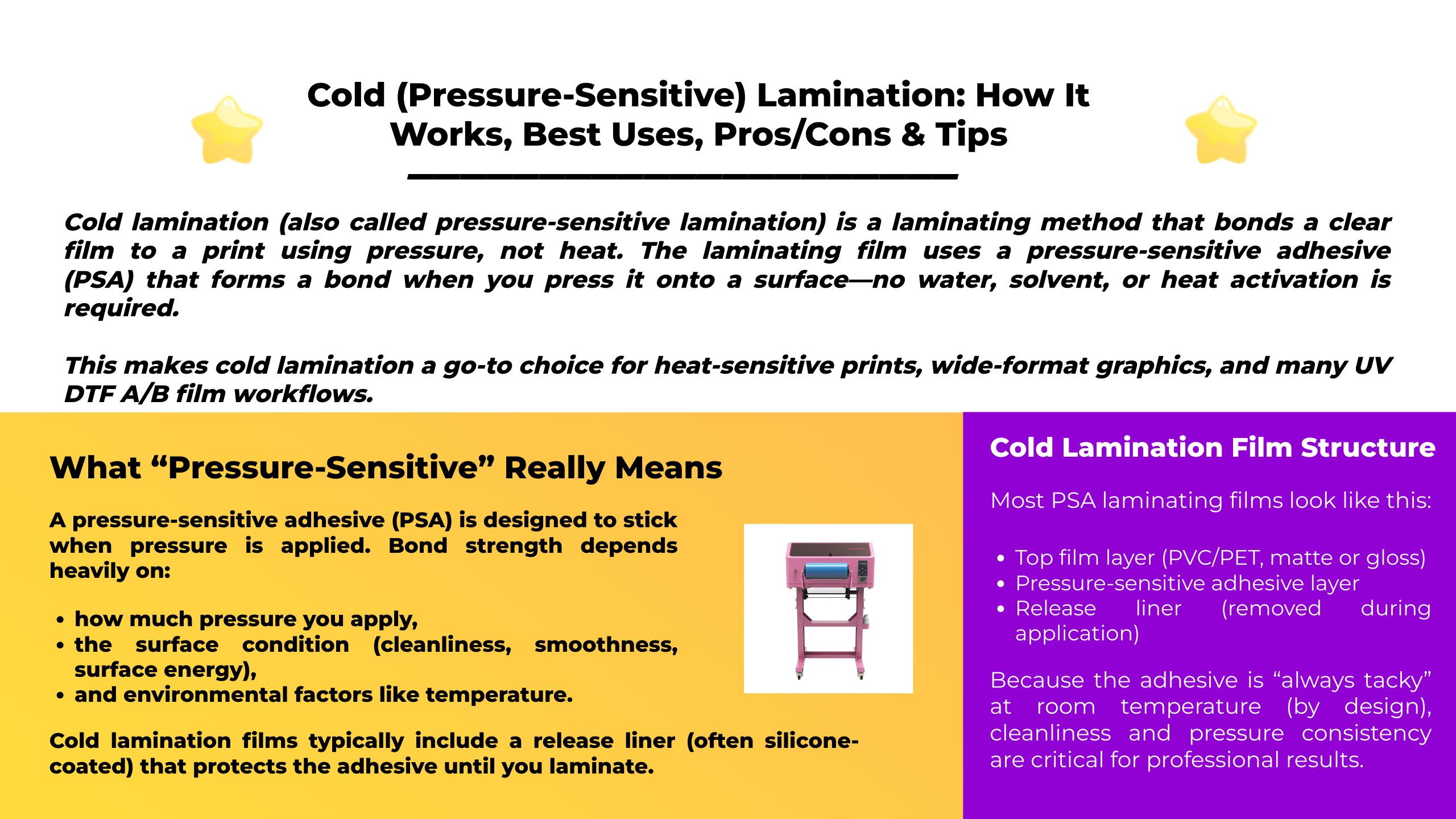
Professional-grade UV DTF production for decals, labels, and cup wraps. Compact footprint, stable output, and effortless cold-transfer workflow.
CMYK + White + Varnish in one pass; spot-gloss effects
Up to 1440 dpi for crisp micro-text and details
Powderless A/B film ; no oven, no heat press
Parameter Value Max Media Width A3 / 350 mm Channels CMYK + White + Varnish Resolution Up to 1440 dpi Workflow A/B UV DTF films · Cold lamination Best Use Stickers, labels, cup wraps, gadget skins RIP Riin / EraRip / Photoprint (ICC supported)