PET Transfer Film: The Complete Guide for DTF Printing (2026)
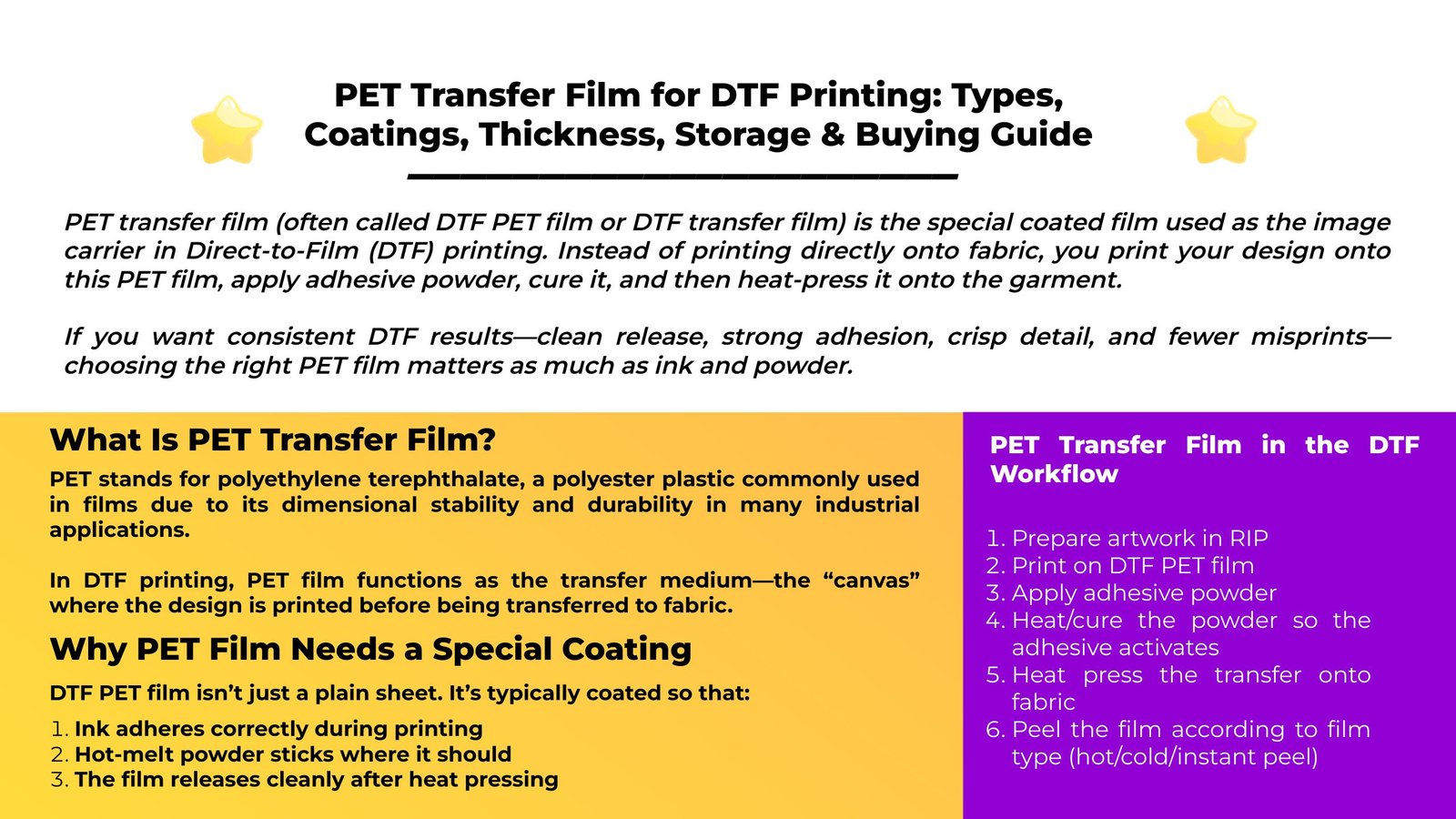
PET transfer film (often called DTF PET film or DTF transfer film) is the special coated film used as the image carrier in Direct-to-Film (DTF) printing. Instead of printing directly onto fabric, you print your design onto this PET film, apply adhesive powder, cure it, and then heat-press it onto the garment.
If you want consistent DTF results—clean release, strong adhesion, crisp detail, and fewer misprints—choosing the right PET film matters as much as ink and powder.
PET stands for polyethylene terephthalate, a polyester plastic commonly used in films due to its dimensional stability and durability in many industrial applications.
In DTF printing, PET film functions as the transfer medium—the “canvas” where the design is printed before being transferred to fabric.
DTF PET film isn’t just a plain sheet. It’s typically coated so that:
Ink adheres correctly during printing
Hot-melt powder sticks where it should
The film releases cleanly after heat pressing
Many guides describe DTF PET film as specially coated, often with a frosted/matte printable side and a glossy opposite side (or frosted on both sides for double-sided film).
A production-ready solution designed for shops that need higher throughput and a more automated workflow.
A practical choice for startups and small studios that want reliable output without over-investing.
Balanced performance for print shops that need speed + stable output in an A3 footprint.
Designed for users who prioritize fine detail, smooth gradients, and premium print feel.
A dependable A3 model for steady daily output, popular for small-business production routines.
Compact entry-level model perfect for startups and small batch production.
Enhanced A4 model with improved ink efficiency for daily small-scale production.
A3 format printer with reliable R1390 motherboard for medium production.
Standard A3 model with 250ml ink tanks for consistent daily operation.
L1800 print head model offering superior color reproduction for detailed designs.
A3 Max series with XP600 print head for increased speed and efficiency.
High-performance A3 model with DX7 print head for professional results.
High-performance A3 model with XP600 print head for professional results.
Professional dual print head A3 printer for high-volume production.
Industrial wide-format printer with dual XP600 heads (620mm width).
High-speed industrial model with dual I1600 heads (10㎡/h output).
Premium industrial printer with dual I3200 heads for maximum productivity.
A standard DTF workflow looks like this:
Prepare artwork in RIP
Print on DTF PET film
Apply adhesive powder
Heat/cure the powder so the adhesive activates
Heat press the transfer onto fabric
Peel the film according to film type (hot/cold/instant peel)
DTF films are commonly sold as:
Hot peel (peel soon after pressing)
Cold peel (wait until it cools before peeling)
Instant/warm peel (varies by supplier—typically peel after a short wait)
Film makers and guides commonly categorize DTF film this way because peel behavior affects workflow speed, release quality, and repeatability.
Practical rule:
If you run production and want speed → many shops prefer hot/instant systems
If you want a more forgiving release process → cold peel systems are common
(Always follow your film supplier’s press + peel instructions; “hot peel” between brands can behave differently.)
Single-sided film typically has a printable coating on one side (often frosted/matte) and a smoother/glossier back side. Double-sided film typically has a frosted/matte texture on both sides—not because you print both sides, but to improve feeding stability and reduce slipping/static-related issues.
Many suppliers and guides state that double-sided film can improve handling (less slipping) and can reduce static problems that attract powder dust.
When to choose which:
Single-sided: cost-effective, works well on many setups
Double-sided: better for higher stability feeding, some printers that struggle with glossy backs, and shops fighting static/powder dust
A very common DTF PET film structure is:
Frosted/matte side = printable side
Glossy side = non-print side (or both sides frosted for double-sided film)
This matters because printing on the wrong side can cause:
poor ink adhesion
powder not sticking correctly
muddy detail or release failures
A very common spec range for DTF PET film is 75–100 microns (µm), seen across multiple product listings and buying guides.
75 µm: more flexible, often feeds easily, popular for general use
100 µm: stiffer, can feel more stable in some workflows, sometimes preferred for larger designs/roll workflows
Your “best thickness” depends on your printer’s feeding behavior, your environment (static/humidity), and whether you’re running sheets or rolls.
Sheets (A4/A3, etc.) are convenient for entry-level workflows and small jobs
Rolls (30/60cm widths, etc.) are preferred for higher throughput and automated cutting/feeding setups
If you’re scaling, roll film usually delivers better consistency and lower handling time—assuming your printer and take-up are dialed in.
Most DTF films have a coated side intended for printing. Many guides summarize it as: one coated side and one uncoated side, and the coated side is the correct print side.
Quick shop checks:
Printable side is usually matte/frosted (slightly textured)
Non-print side is often glossy/smoother (single-sided films)
(Some films can be subtle—always label rolls once you confirm the print side.)
DTF relies on three consumable systems working together:
DTF ink adheres to the film coating
Powder bonds to the printed ink layer
Curing + pressing activate and bond the transfer to fabric
If your film is mismatched to your powder/ink, you’ll see symptoms like:
powder not sticking evenly
grainy edges or pinholes
weak adhesion after washing
film not releasing cleanly
DTF films and transfers are sensitive to heat, humidity, dust, and static. Multiple guides recommend storing film in a cool, dry, dark environment and controlling humidity to reduce defects.
Common storage targets (seen in industry guides):
temperature around 18–24°C and 40–60% RH for film storage
keep sealed in original packaging; reduce dust and static
Handling tips that reduce waste:
Store rolls upright and sealed to prevent warping and contamination
Avoid direct sunlight/UV exposure for long periods (helps preserve coatings)
Use FIFO (first-in-first-out) so older rolls get used first
Likely causes
static charge on film
environment too dry
using film/powder combo that’s too “grabby”
Fixes
consider double-sided/anti-static film options (many products market anti-static properties)
increase humidity slightly (within safe limits) and reduce dust
Likely causes
printing on the wrong side
contaminated film surface (fingerprints, oil)
Fixes
confirm you print on the coated/matte side
handle film by edges; keep work surface clean
Likely causes
wrong peel timing (hot vs cold peel mismatch)
insufficient cure or press settings not matched to film type
Fixes
follow your film’s peel type (hot/cold/instant)
verify your cure/press steps align with the workflow described by DTF process guides
Likely causes
poor storage (humidity/heat swings)
film tension/alignment issues
low-quality film thickness tolerance
Fixes
store film in controlled temp/humidity ranges
consider thicker film or higher stability film for your setup
When comparing PET films, ask for these details:
Peel type: hot peel / cold peel / instant peel
Coating style: single-sided vs double-sided (feeding stability + static control)
Thickness: commonly 75–100 µm; match to your printer handling
Finish: matte/frosted print side, glossy back (or matte both sides)
Roll width & core size: match your printer/take-up system
Compatibility notes: confirm the film is intended for your ink/powder system (ask supplier for recommended settings)
PET is polyethylene terephthalate, a polyester plastic widely used in films.
In most garment-printing contexts, yes—DTF film is commonly described as PET film with a special coating for DTF transfers.
Typically the coated/matte (frosted) side is the printable side.
Both are widely used; many buying guides and product specs list 75–100 µm as common ranges. Pick based on feeding stability, shop humidity/static, and whether you run sheets or rolls.
Usually no. Double-sided typically means both sides have a matte/frosted texture to improve stability and reduce slipping—not that both sides are meant for printing.
A high-quality PET transfer film is the foundation of reliable DTF production. Look for the right peel type, coating style (single vs double-sided), and thickness (often 75–100 µm), store it properly, and your print quality and yield will improve immediately.
WhatsApp us