Malfunction Handling CaseOctober 10, 20261 min read EraSmart Team
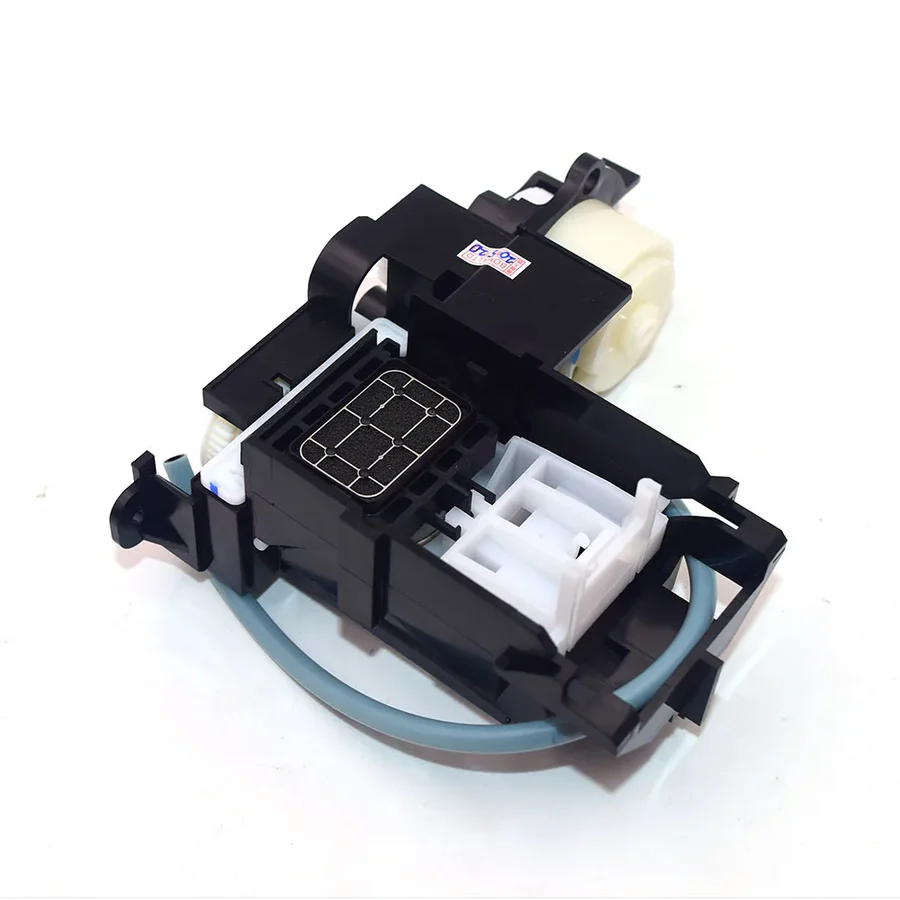
Epson Unable to print ink, poor nozzle status, abnormal color
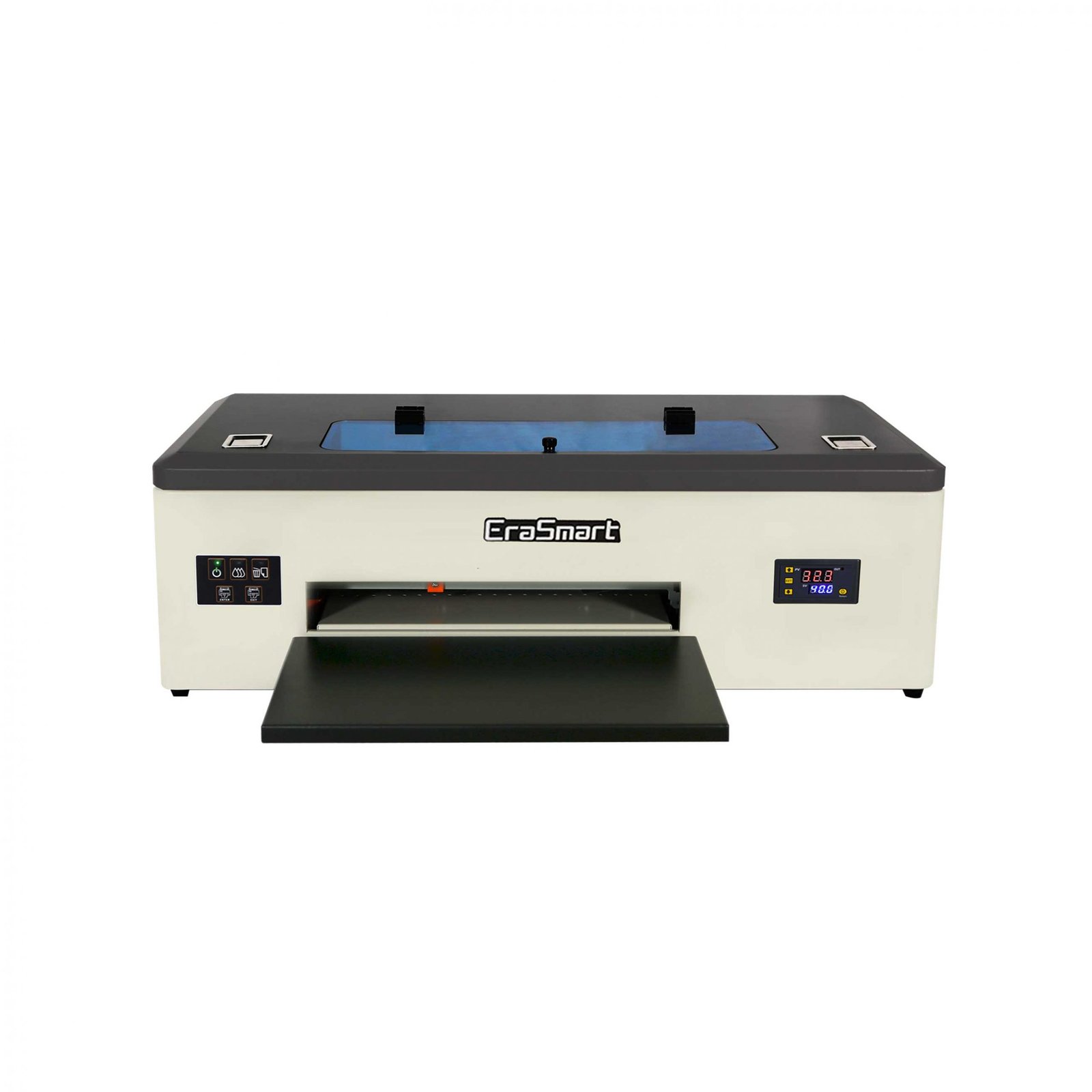
一、Check the status of the printing nozzle
二、 Follow the video operation to remove ink waste
Solution: the color is abnormal, the color is lost, and the test line is incomplete. It is invalid for the print head with serious blockage
1. In standby mode, turn off the printer,To ensure that the ink cart is on the far right
2、Syringe pump ink. After a period of operation, the ink will flow out slowly. Do not use too much force or pull it out quickly
WhatsApp us